Start with the material
Enter sheet dimensions, margins and saw kerf. Set grain direction to respect the finish.
Understand saw kerf → CutPlan
Turn your parts list into a cutting plan that makes sense. See every sheet and assemble your furniture in 3D before taking your project to the workbench.
Start free · Calculate without an account
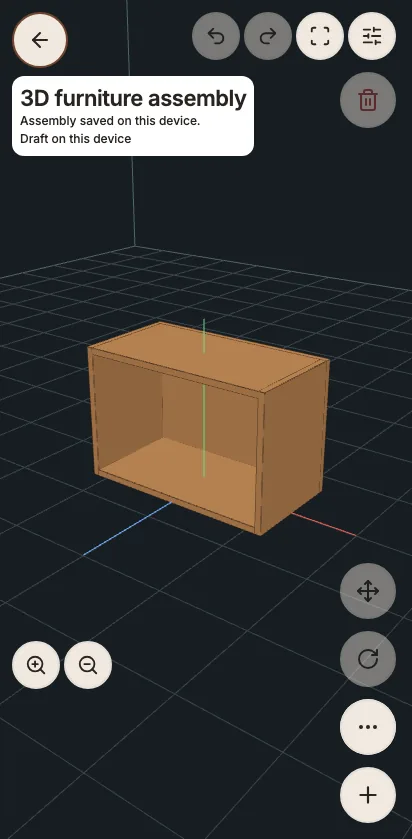
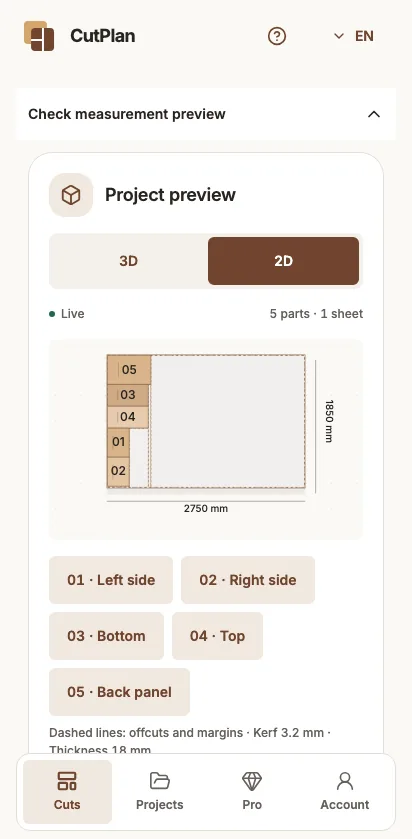
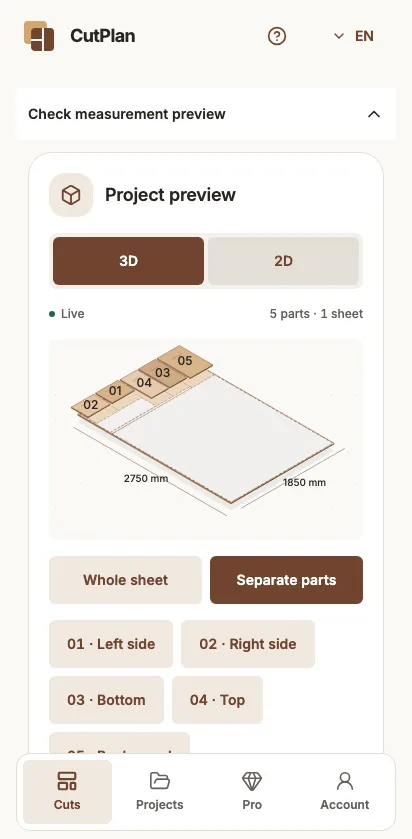
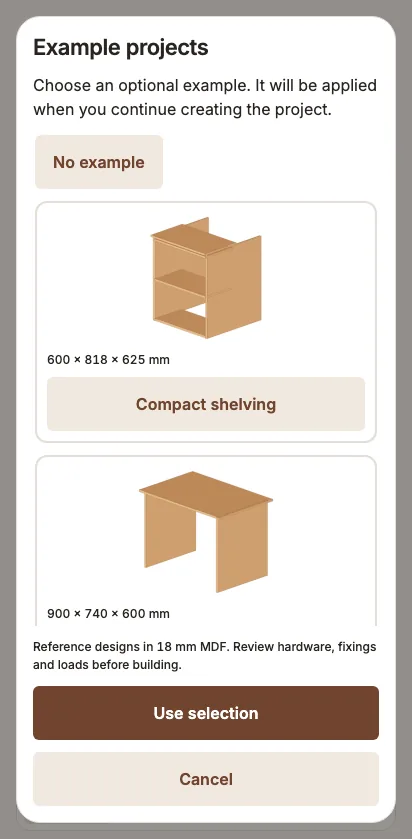
From your first sketch to checking at the workshop, in three steps.
Enter sheet dimensions, margins and saw kerf. Set grain direction to respect the finish.
Understand saw kerf →Add dimensions and quantities. Or open an example project and adjust it to what you want to build.
Explore the examples →See parts, offcuts and utilization. Calculate the plan to check the straight cutting sequence.
Explore the cutting plan →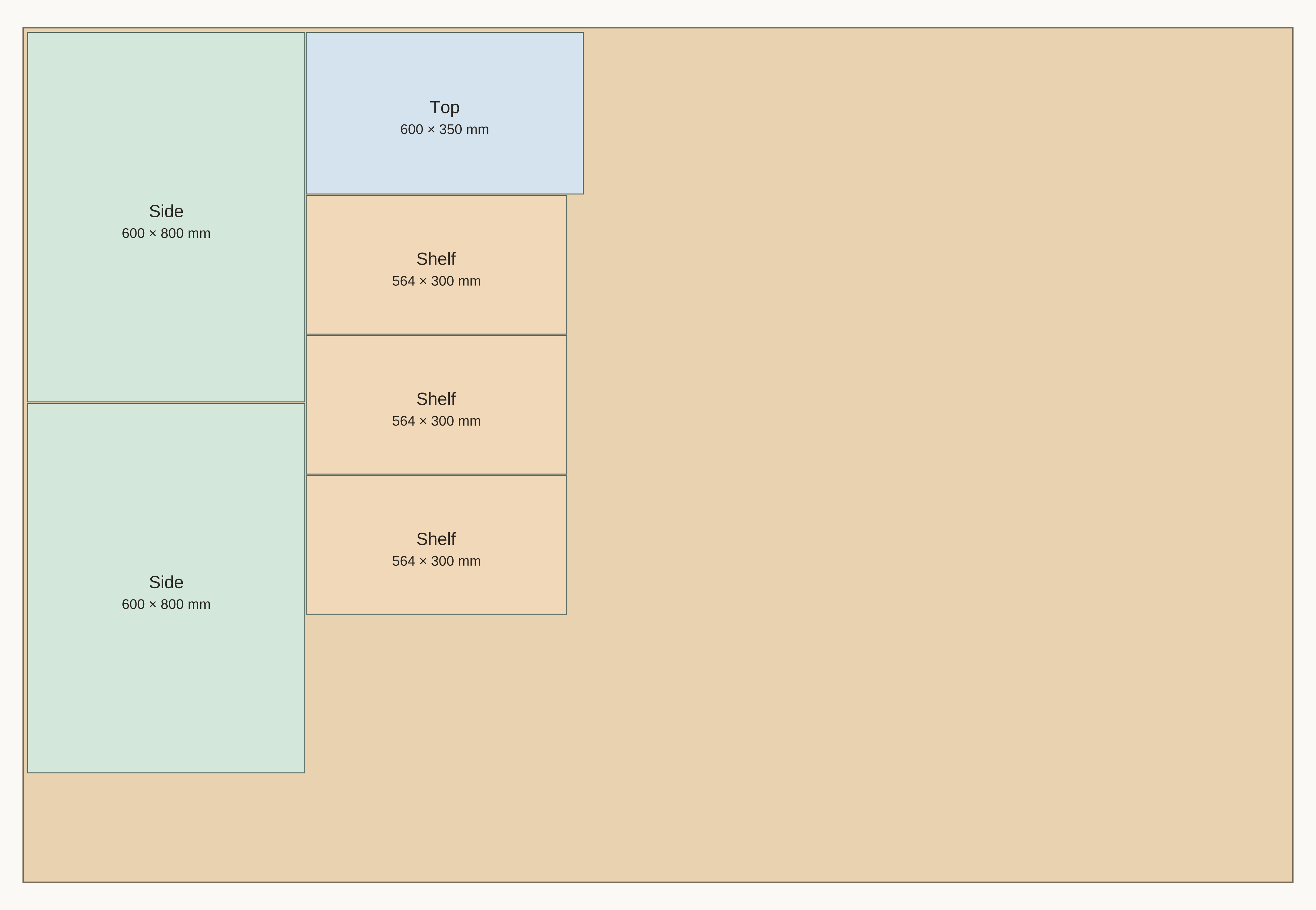
The blade takes space. Grain has a direction. Your plan accounts for these details and shows the result so you can make informed decisions.
The free plan calculates up to 20 parts and 3 sheets. Need more capacity? Discover Pro.
No. Calculation and preview work without an account. To save to the cloud and generate PDFs, sign in with a code sent by email.
The engine searches for a good arrangement using heuristics, without a global optimum guarantee. Check measurements, sequence and your saw conditions before cutting.
Check each platform’s availability using the store buttons. Store launches are being prepared. Each platform button will be enabled when its app is published.
Keep your cutting plans close at hand.